- Rick van den Bosch/
- Blog/
- Fixing the Remote Desktop Connection to a Virtual Machine in Microsoft Azure/
Fixing the Remote Desktop Connection to a Virtual Machine in Microsoft Azure
·1 min
Table of Contents
A few minutes before my second session at the Dutch Techdays started I tried connecting to my Virtual Machine in Microsoft Azure through remote desktop. It didn’t connect… The RDP client tried to connect to the Virtual Machine, but nothing happened.
So I rebooted the VM and tried connecting again, confident that this would solve the problem. It didn’t connect…. again. As I started stressing out a bit (the VM was the main character of my session) I thought of one last thing I could try.
Fixing the issue #
The next steps helped me save my Virtual Machine without too much loss of time (I was able to connect again just before the start of my session!):
- Go to the Azure Management Portal
- Open up the details of the VM you’re having trouble with
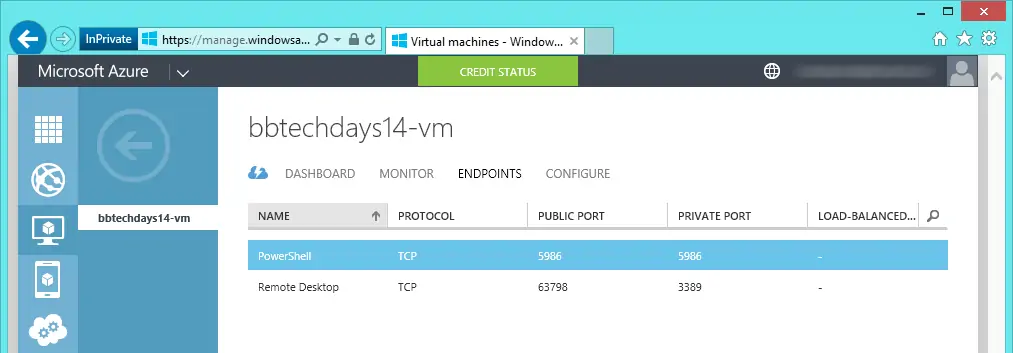
- Go to the ENDPOINTS tab (see image below)
- Select the ‘Remote Desktop’ endpoint and click EDIT at the bottom of the screen
- Change the public port to a different (random) number
- Wait for the changes to be propagated
- Success!
Hope this helps.