Error saving Galileo Wiring App in Visual Studio
Table of Contents
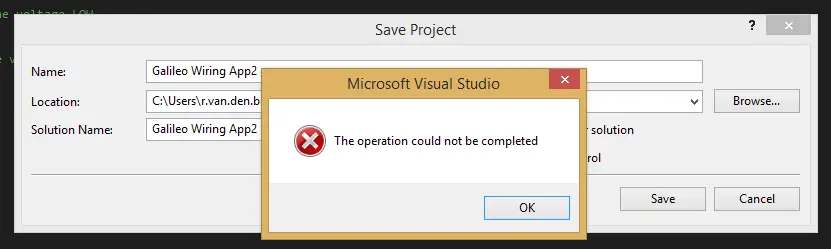
playing with developing for it yesterday. I created a first test project, but it didn’t run. Visual Studio couldn’t find the Arduino header file, which was probably due to a missing NuGet package (the Galileo C++ SDK). I tried to save the project, because you need to before you can manage NuGet packages, but to no avail. Visual Studio served me a ‘The operation could not be completed’ error without any additional information.][2]
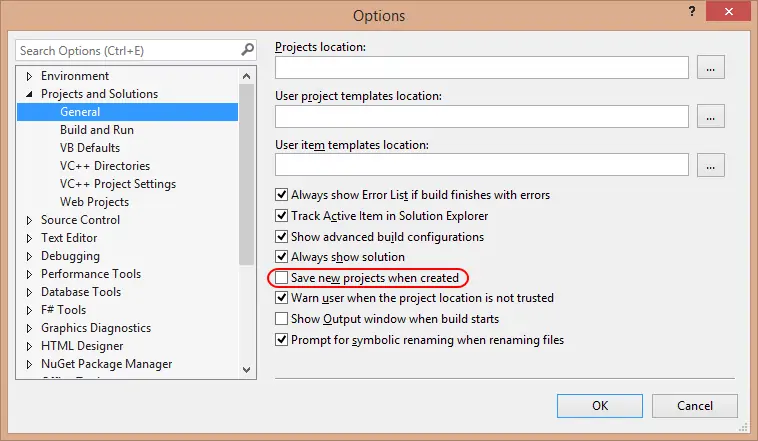
The solution #
It’s as easy as it is ugly to have to do this: simply check the checkbox in ‘Save new projects when created’ before creating your Windows for IoT project. Then you’re good to go…!
Hope this helps